DXF vs DWG vs SVG: Which File Format Does Your CNC Machine Need?
9 Oct 2026 by Administrator
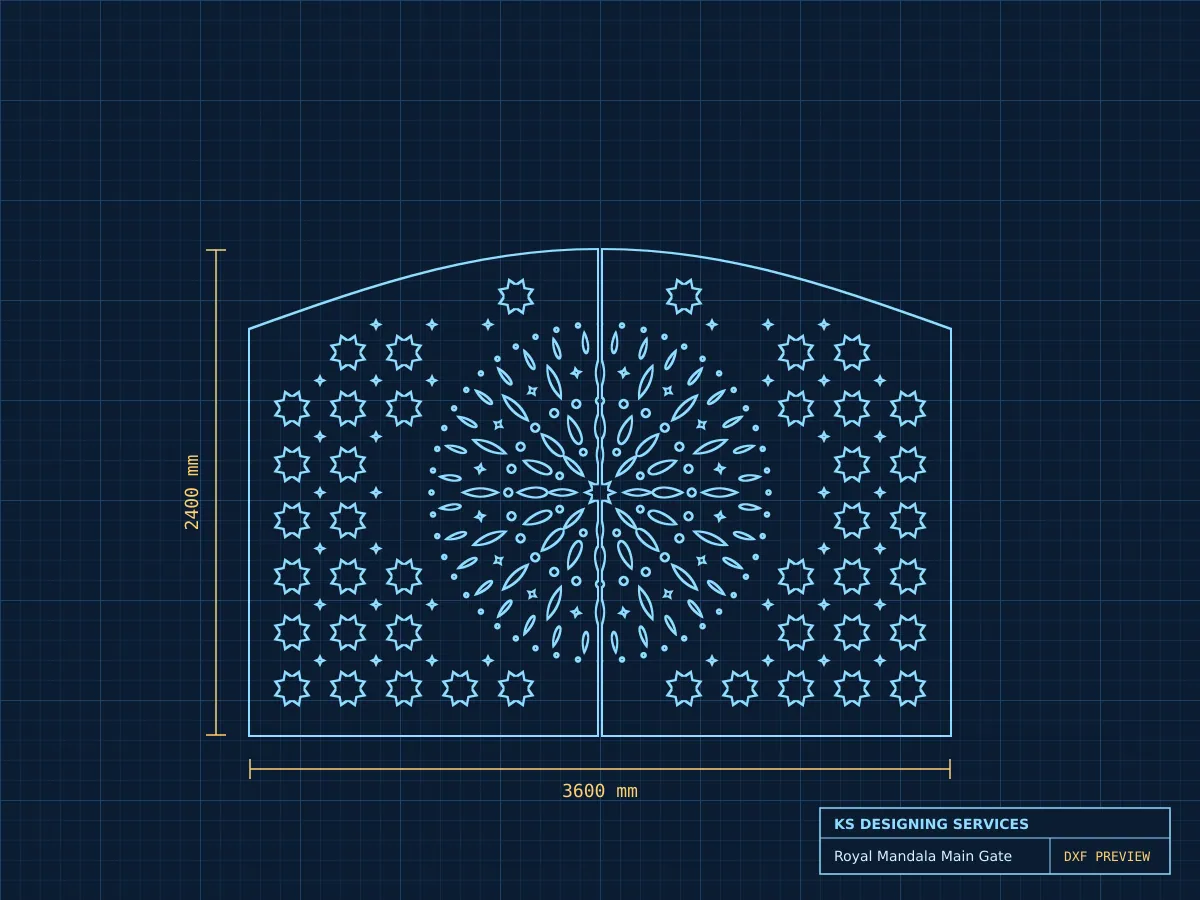
When you order a CNC design, the first question is often which file format you need. The three most common formats for 2D cutting are DXF, DWG and SVG. All three store vector paths, but they come from different software and behave differently on the machine.
DXF: the safe default
DXF stands for Drawing Exchange Format. Almost every CNC control and CAM program can import it, including laser nesting software, plasma tables and router programs like ArtCAM and Vectric. If you are not sure what your machine reads, ask for DXF.
A good DXF for cutting uses closed shapes, has no duplicate lines and is drawn at real size in millimetres.
DWG: best for AutoCAD users
DWG is the native AutoCAD format. It keeps layers, blocks and dimensions exactly as drawn. Choose DWG if your operator edits files in AutoCAD before cutting, for example to add bolt holes or change a border.
SVG: good for web tools and small lasers
SVG is common with hobby lasers and design tools like Inkscape and Illustrator. It works well for small parts, but some industrial software imports SVG at the wrong scale. Always check the size after import.
What about 3D work?
For 3D relief carving, rotary and 4 axis work you need a 3D model, not a flat drawing. STL is the most common choice. RLF is used by ArtCAM style software and keeps the relief editable.
Our recommendation
- Fiber laser and plasma: DXF, with DWG if you edit in AutoCAD.
- 2D wood router: DXF or EPS.
- 3D relief, rotary and 4 axis: STL or RLF.
Not sure what your machine needs? Send us the name of your CNC software on WhatsApp and we will send the right format.
- file formats
- DXF
- laser cutting